Prysm
Interact with PDFS get insights, get cited, source-backed answers with a built-in PDF viewer and persistent chat history.
Overview
Prysm is a Retrieval-Augmented Generation (RAG) web app that lets users upload PDFs and have intelligent conversations with them. Unlike generic AI chatbots, the AI surfaces exact citations from the PDF so users can verify sources directly in the built-in PDF viewer. PDFs are uploaded, parsed, and embedded into a vector database in under 4 seconds. Each document gets its own chat session with persistent message history, so conversations are never lost. The app combines a clean dashboard for managing documents with a side-by-side chat and viewer interface, making it a complete document-reading companion.
What Does it Do?
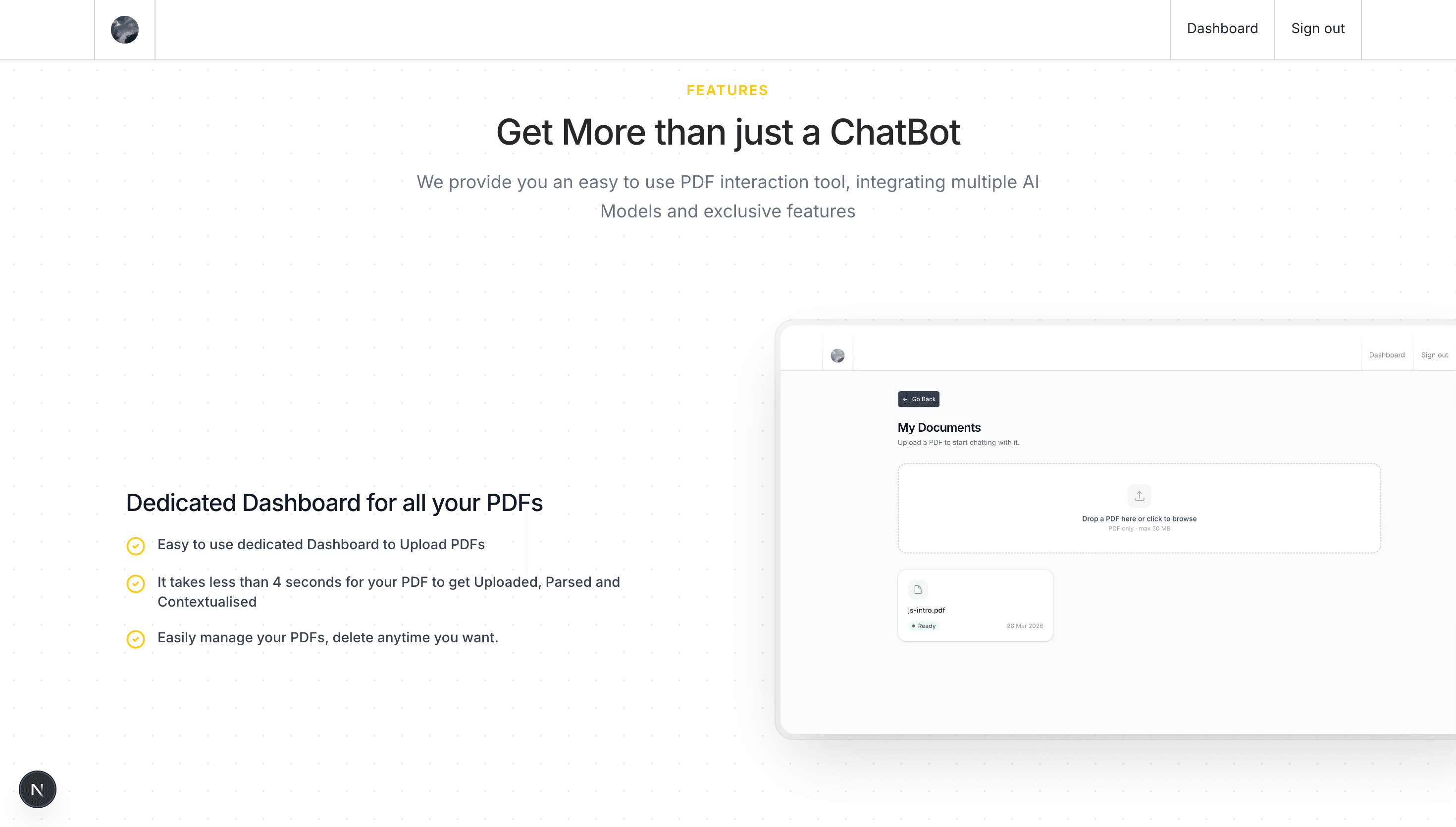
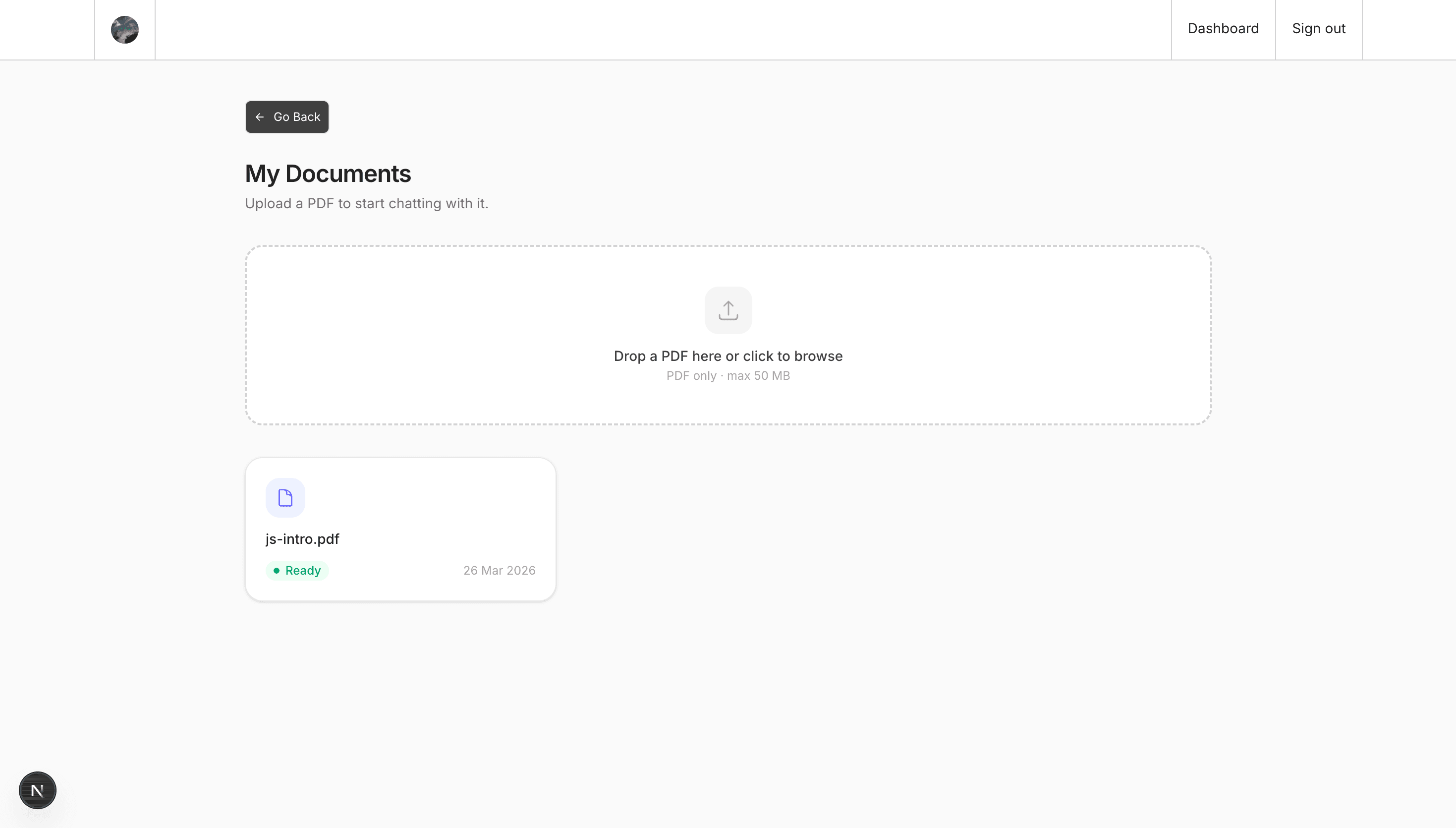
- Allow users to upload PDFs through a dedicated dashboard
- Parse and chunk PDF text using pdf-parse and LangChain text splitters
- Generate and store vector embeddings in Qdrant for semantic search
- Process uploads asynchronously using BullMQ job queues
- Store PDF metadata and chat history in PostgreSQL via Drizzle ORM
- Upload and serve PDF files using AWS S3 with presigned URLs
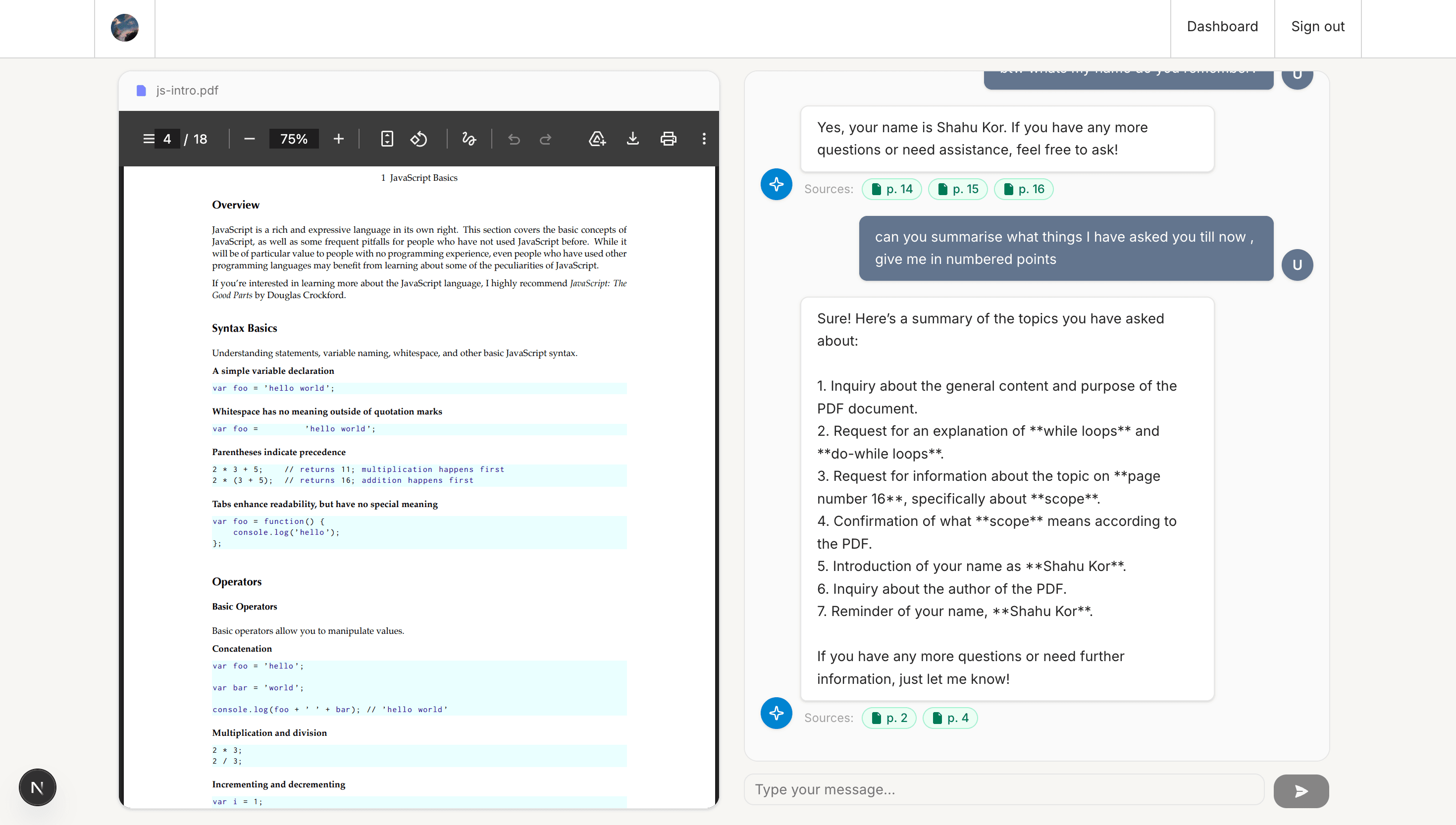
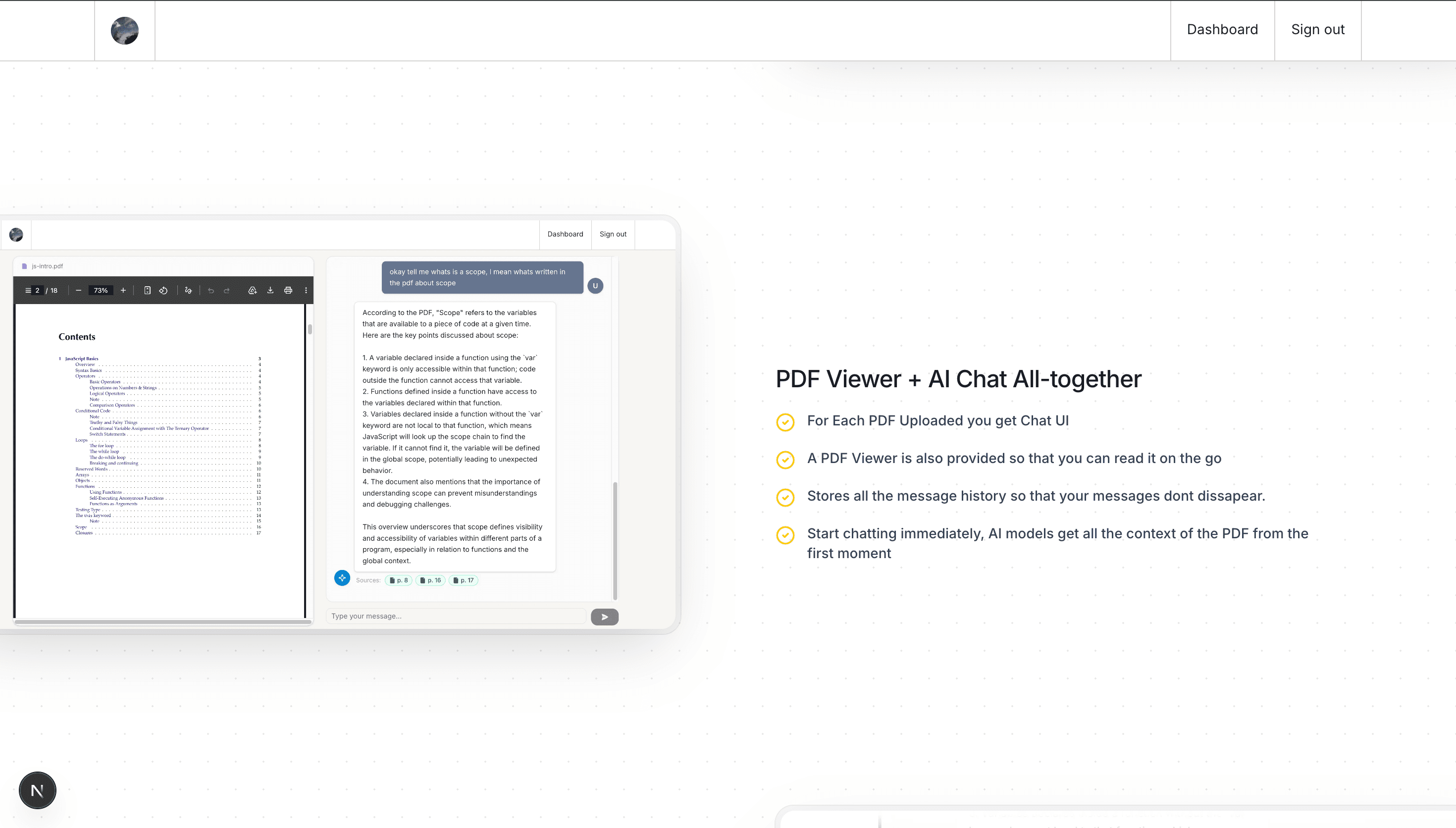
- Build a side-by-side chat and PDF viewer interface per document
- Stream AI responses grounded strictly in the uploaded PDF content
- Return cited source passages alongside every AI-generated answer
- Authenticate users securely using Clerk
Why I Built this
- To build a practical RAG application with real retrieval and citation pipelines
- To learn how vector databases and semantic search work in production
- To go beyond generic chatbots by enforcing source-grounded answers
- To gain hands-on experience with LangChain and OpenAI APIs
- To design a full async backend architecture with job queues and cloud storage
Tech Stack
- Next.js
- React
- TypeScript
- Tailwind CSS
- Shadcn UI
- Node.js
- Express.js
- LangChain
- OpenAI
- Qdrant
- PostgreSQL
- Neon DB
- Drizzle ORM
- AWS S3
- BullMQ
- Clerk
- Docker
Screengrabs from the project
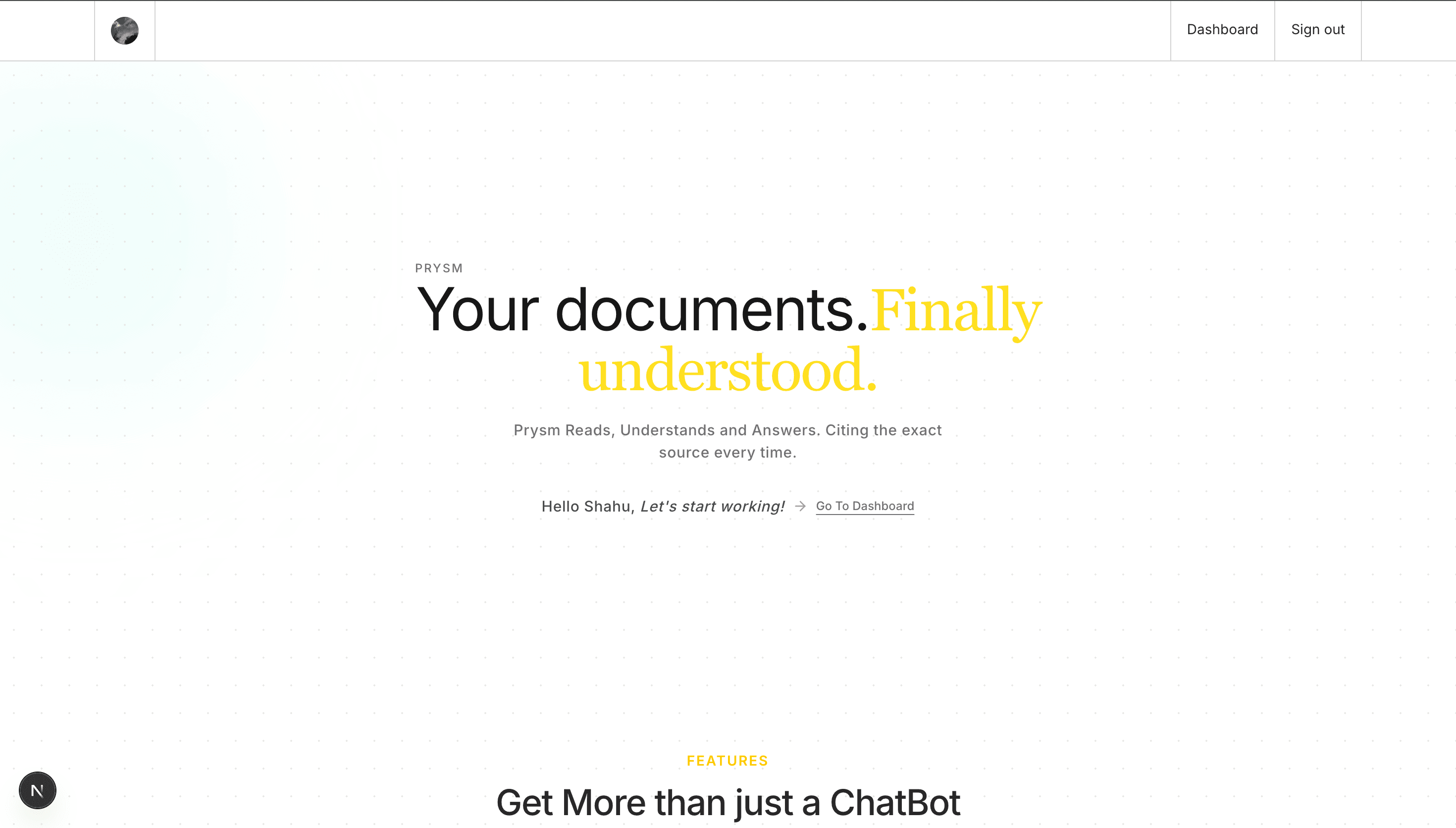
Homepage
Features section
Features section
Features section
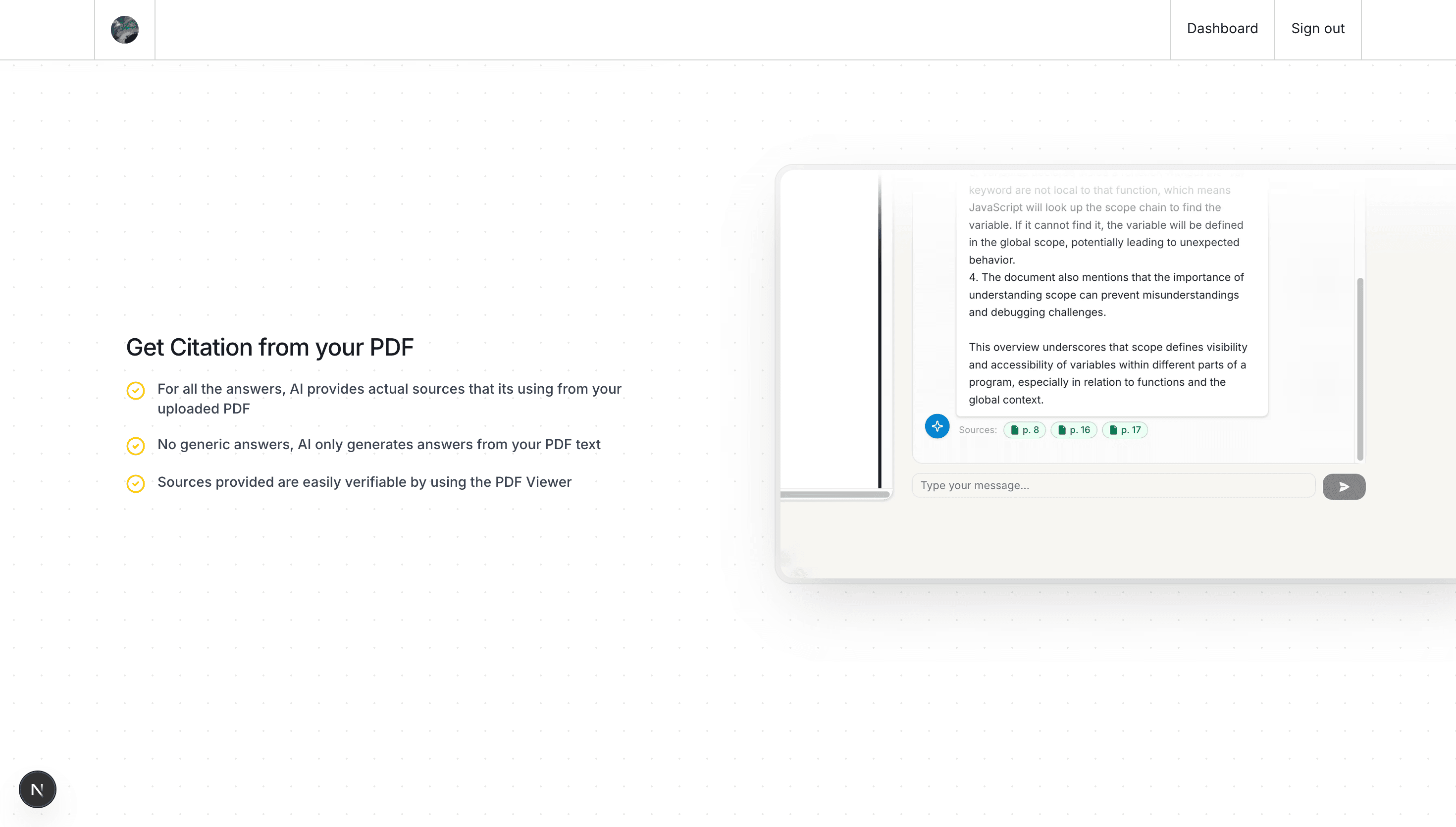
Document dashboard, manage uploaded PDFs
Side-by-side PDF viewer and chat interface