CutThatPart
Share parts of a YouTube videos instantly without downloading it or screen recording, with a personal share link.
Overview
CutThatPart is a web app that lets users share only a specific portion of a YouTube video instead of sending the entire video or screen recording it. Users paste a YouTube URL, select the start and end timestamps, and the app processes and generates a shareable video link with a clean viewing interface. It simplifies video clipping and sharing while handling video processing efficiently on the backend. This project is fully tested in local environment but cannot be deployed, since Youtube detects the worker trying to grab the video and download it. This will work perfectly fine if deployed on a VPS, which is too costly for me to buy right now.
What Does it Do?
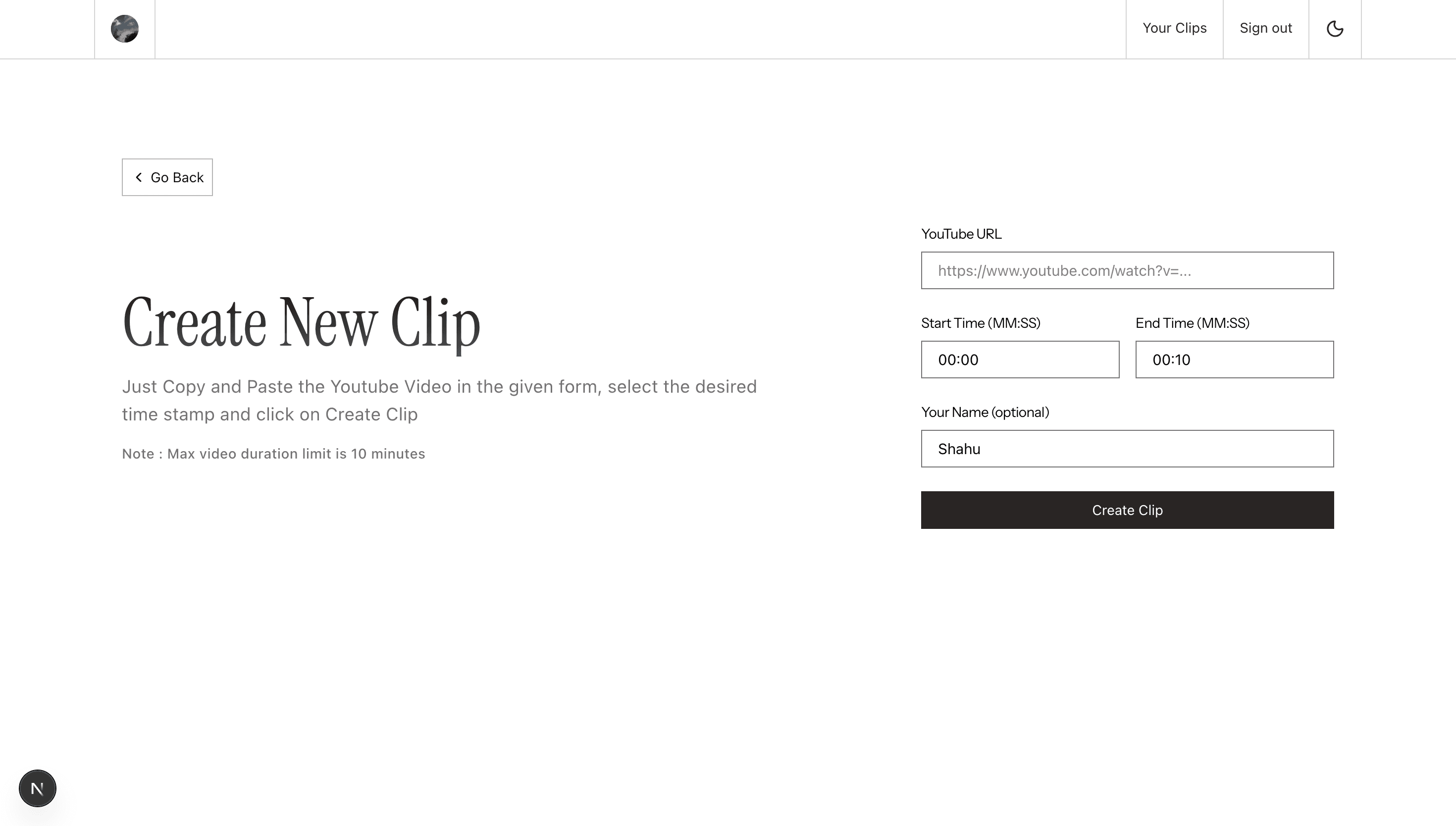
- Accept YouTube video URL input from users
- Allow users to specify start and end timestamps
- Process video clips using yt-dlp and FFmpeg
- Generate trimmed video files dynamically
- Upload processed clips to AWS S3
- Create a unique shareable link for each clip
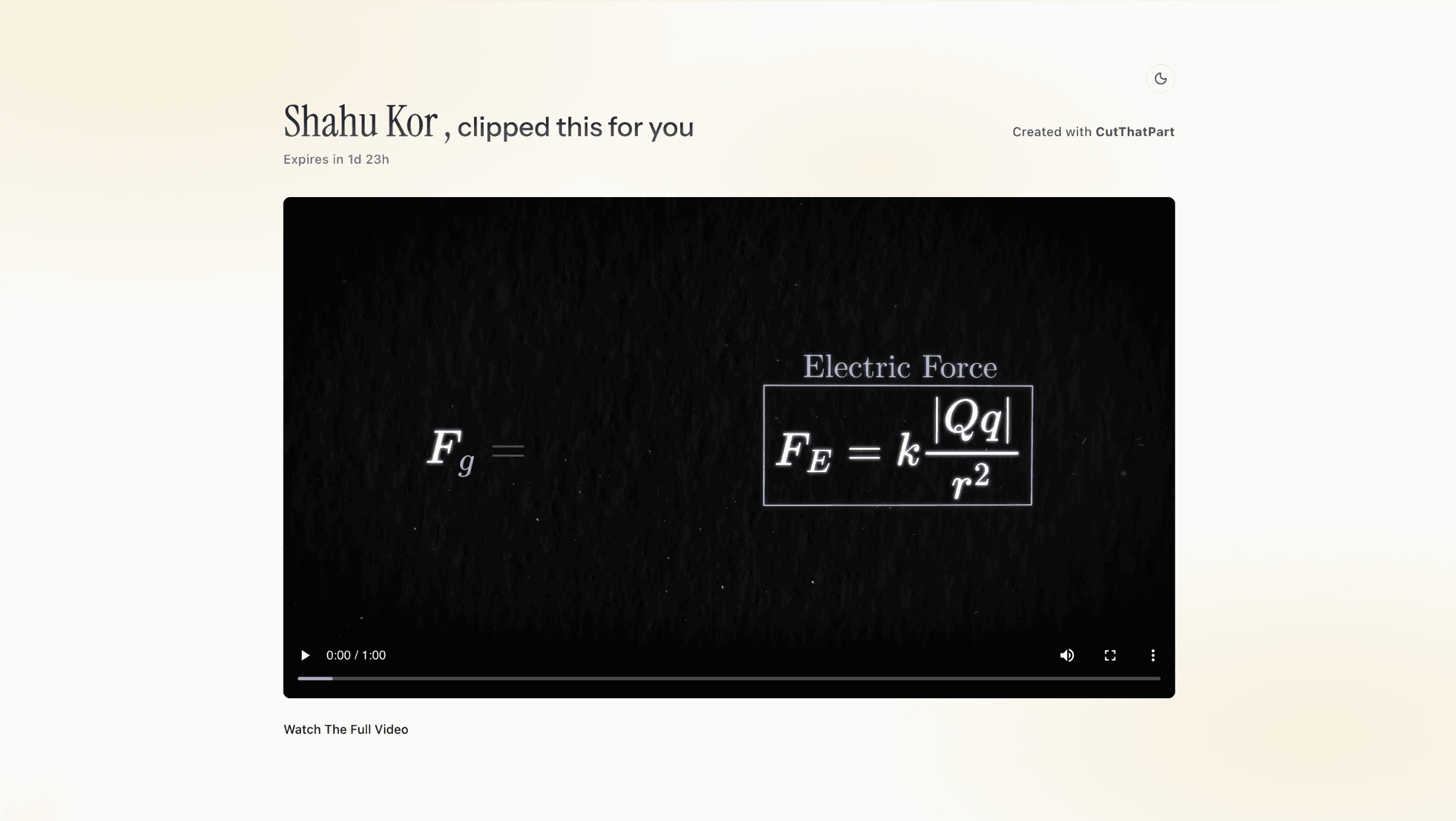
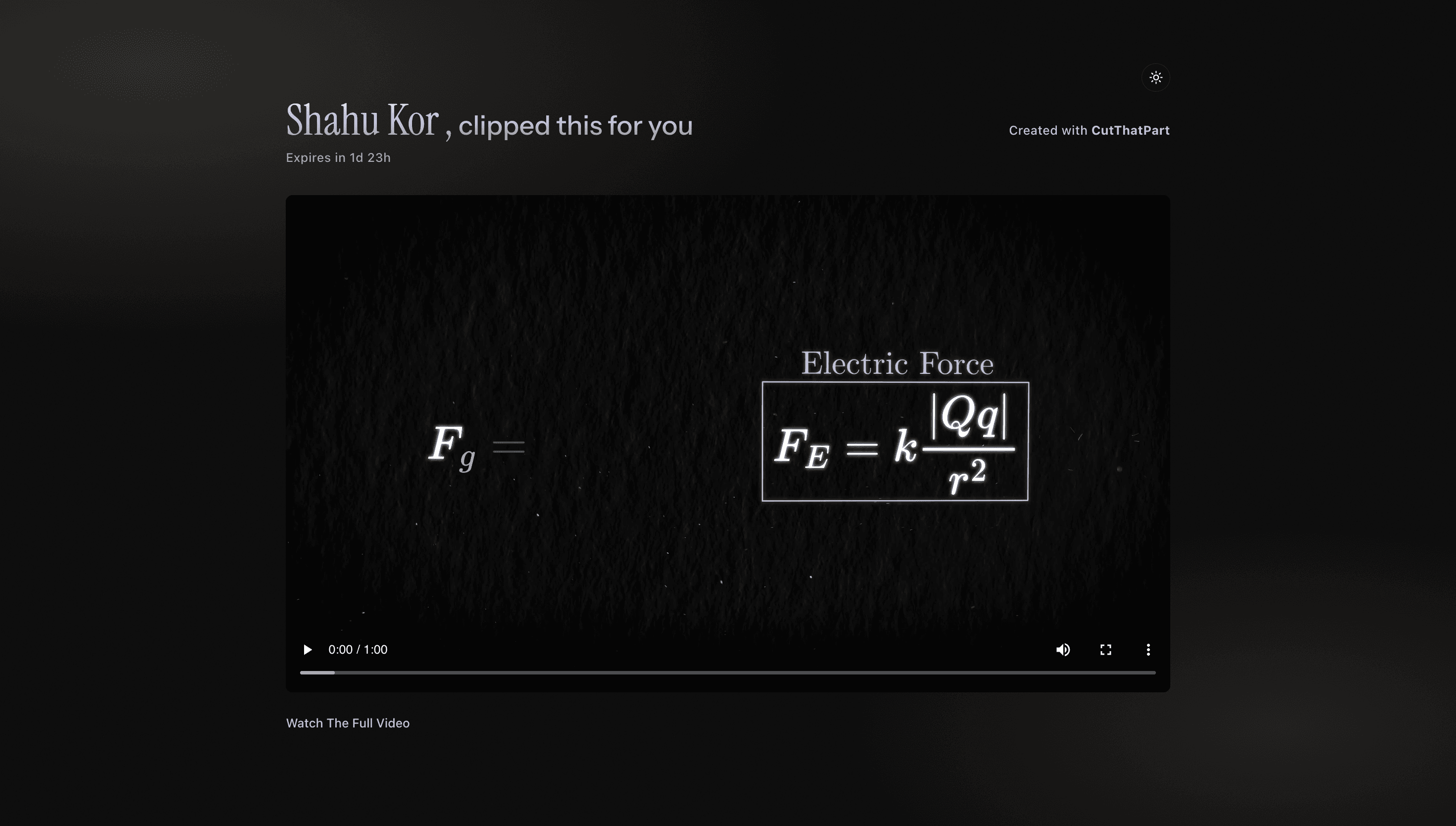
- Display a clean video player page with sharer details
- Handle background video processing using AWS SQS
- Deploy scalable backend services using AWS ECS and Docker
- Store metadata (clip info, sharer name, timestamps) in PostgreSQL (Neon DB)
Why I Built this
- To solve the hassle of screen recording or downloading full YouTube videos just to share a small part
- To build a strong real-world full stack project
- To work with video processing tools like yt-dlp and FFmpeg
- To gain hands-on experience with AWS cloud services
- To design a scalable backend architecture using queues and containers
Tech Stack
- Next.js
- React
- Node.js
- TypeScript
- PostgreSQL
- Neon DB
- AWS S3
- AWS SQS
- AWS ECS
- AWS ECR
- Docker
- yt-dlp
- FFmpeg
Screengrabs from the project
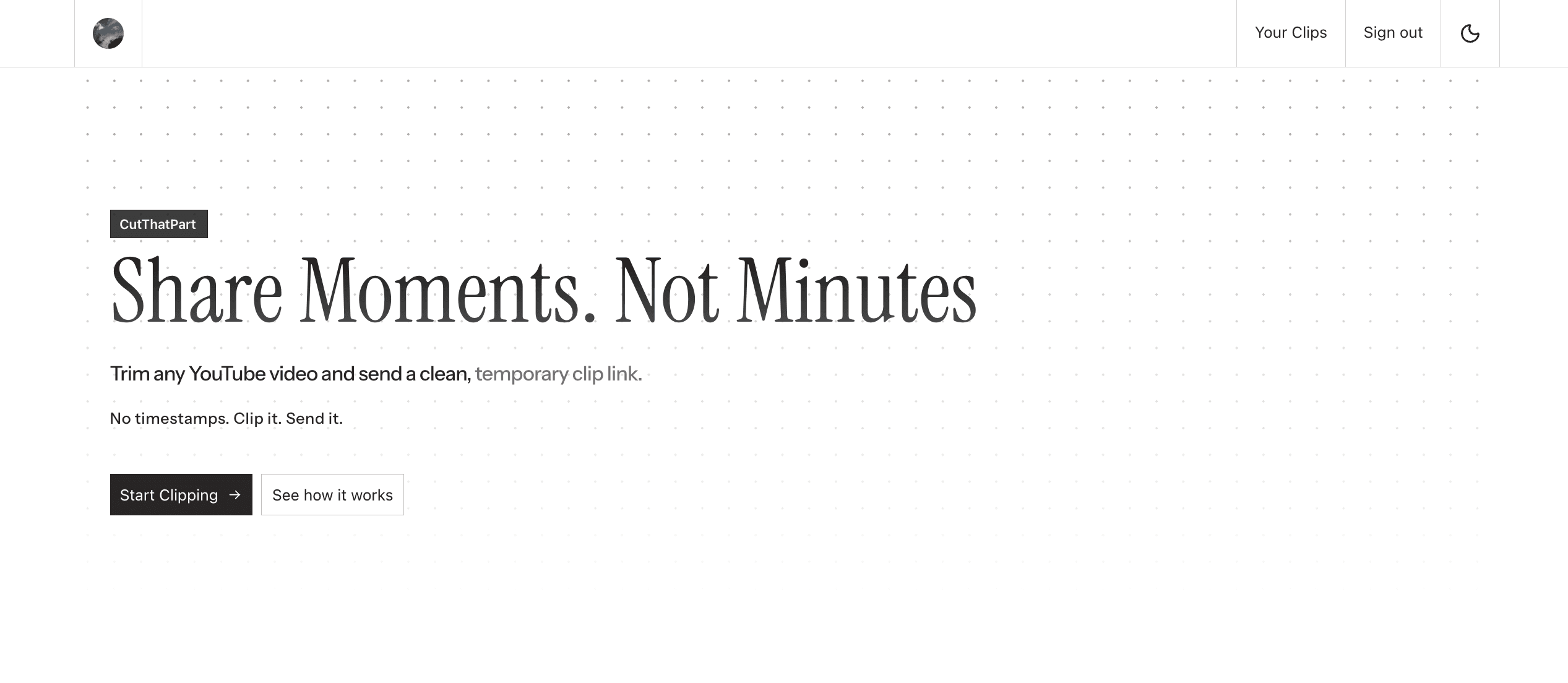
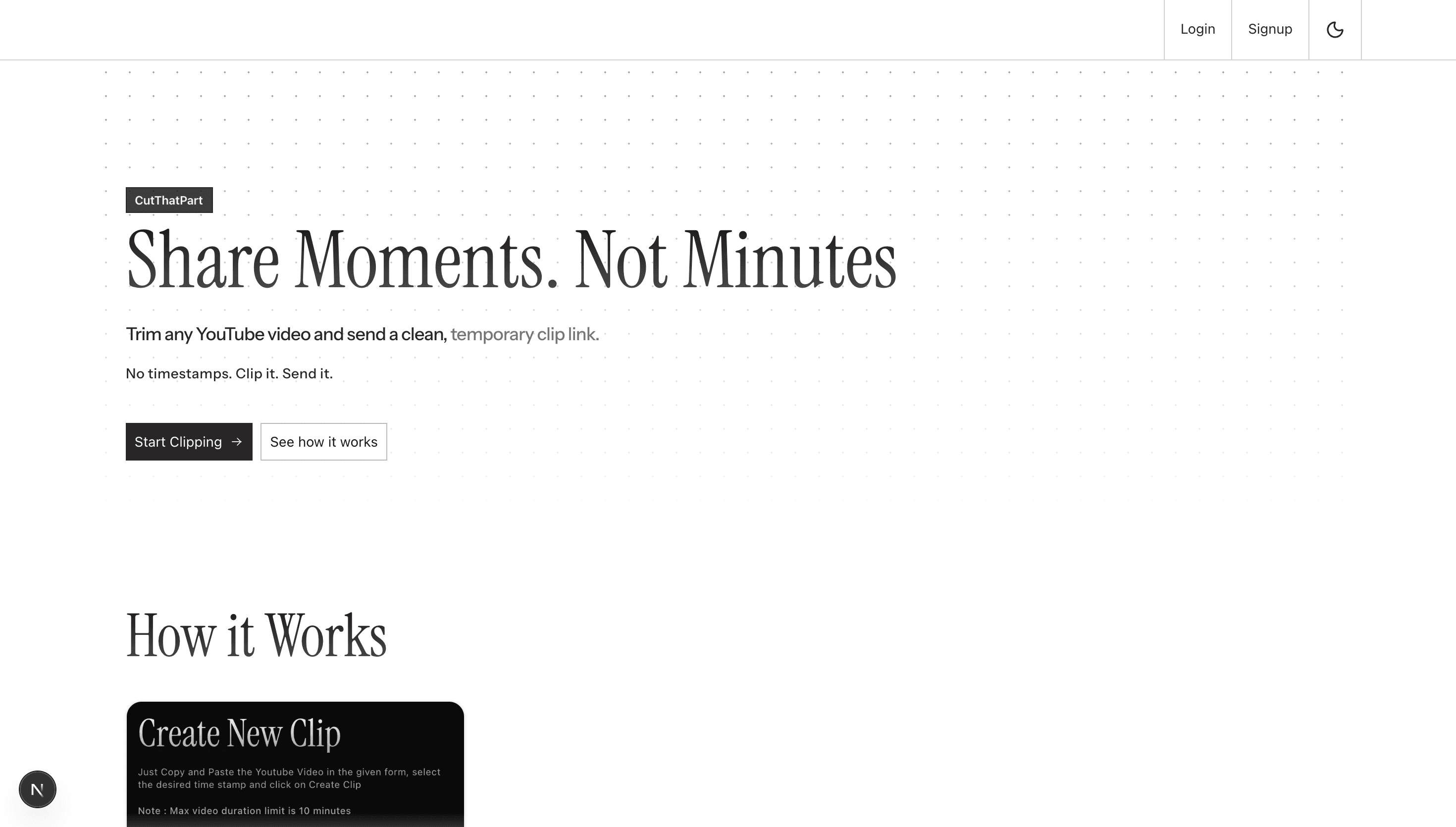
Landing page
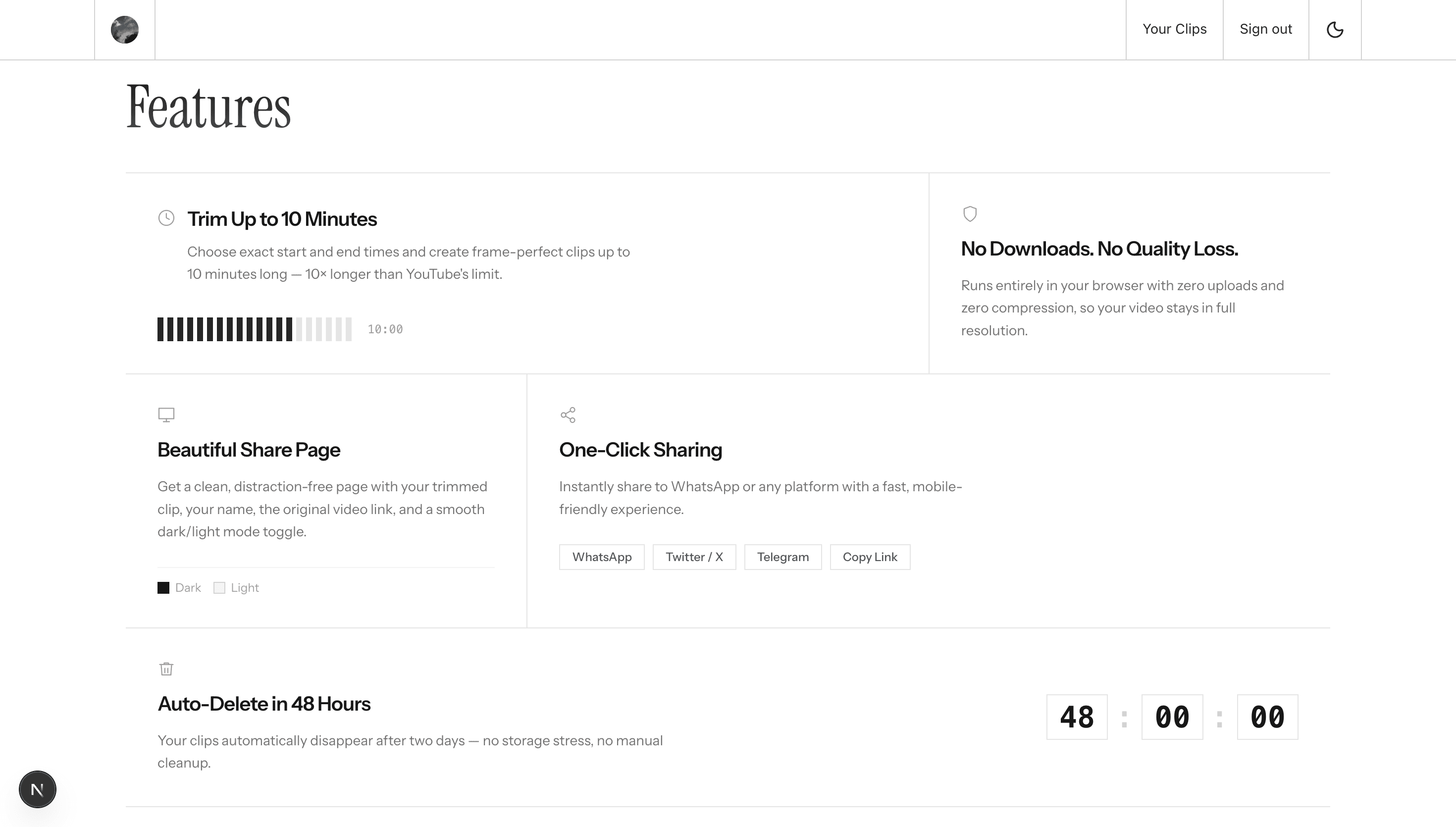
Features overview
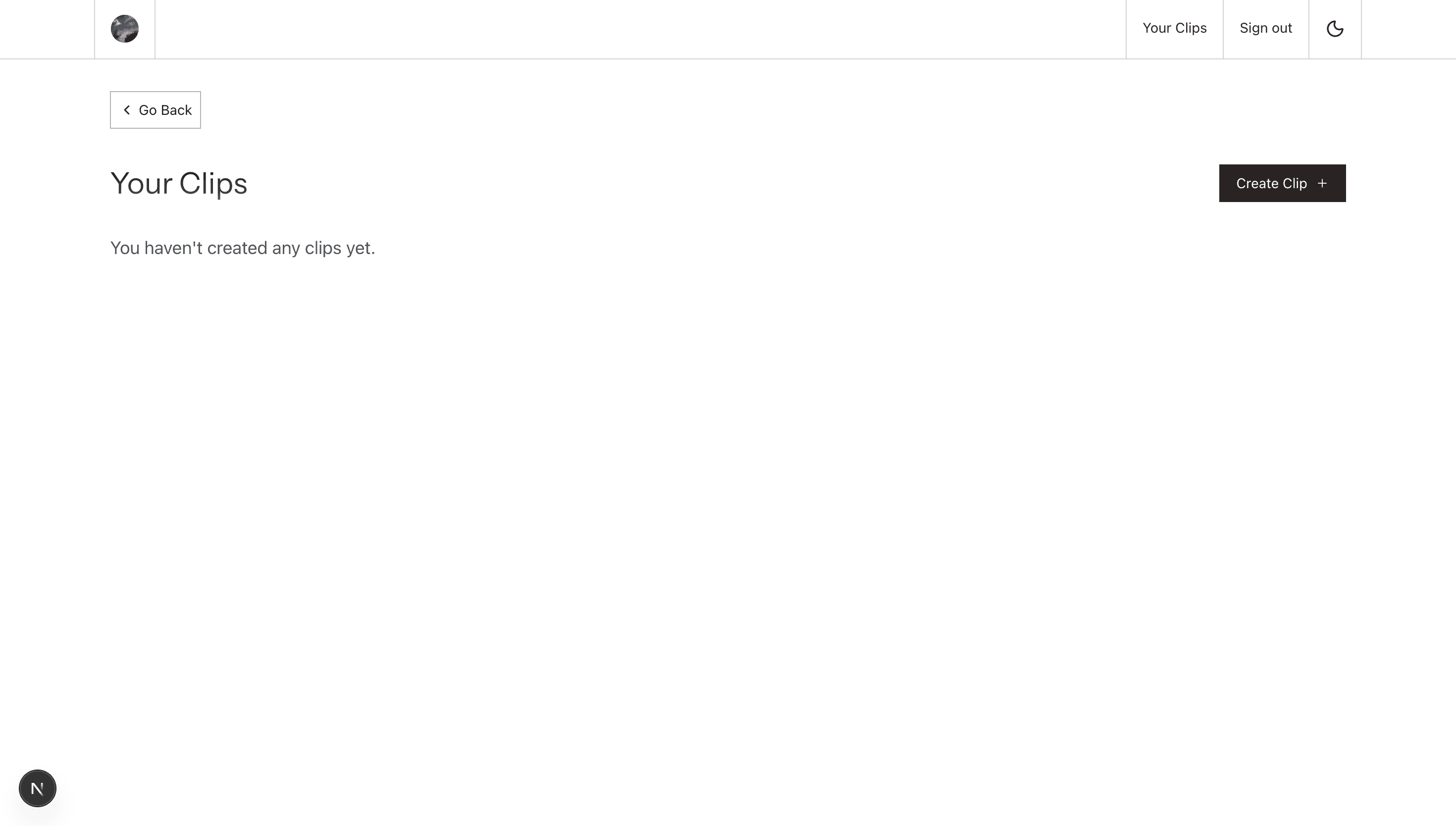
User dashboard
Creating a clip just select timestamps and paste video link
Public share page (dark mode) , this is what others will see when user shares the video link
Public share page (light mode)